The top dental appointment scheduling software options in 2026 are Goodcall, NexHealth, LocalMed, Dentrix Ascend, Solutionreach, Curve Dental, RevenueWell, Yapi, Dental Intelligence, and Weave, each built for a different practice size and operational challenge.
Dental practices lose 10–15% of scheduled appointments to no-shows, and a significant share of new-patient calls go unanswered after hours. The right scheduling software closes both gaps, capturing bookings online and over the phone, sending automated reminders, and syncing with your practice management system in real time. This guide covers what each platform does, what it costs, who it is built for, and how to pick the right one for your practice.
Why Dental Clinics Are Switching to Automated Scheduling Software
Three scheduling problems quietly cost dental practices revenue every week:
- Missed after-hours calls: patients call when the front desk is closed, reach voicemail, and book with the next clinic that answers
- Manual reminder workflows: staff spending time calling patients individually when automated multi-channel reminders could handle it with zero staff time
- PMS calendar conflicts: scheduling tools that do not sync in real time with Dentrix, Eaglesoft, or Open Dental, create double-bookings that take hours to untangle
Automated scheduling software solves all three. Patients self-book 24/7, reminders fire automatically at set intervals, and every booking reflects live calendar availability. According to the Accenture Health Consumer Survey, 60% of patients now prefer online booking, and most of those bookings happen outside business hours. Practices that do not offer after-hours booking are losing those patients to competitors that do.
What to Look for in the Best Dental Scheduling Software
Generic scheduling tools like Calendly do not sync with dental PMS systems, cannot enforce procedure-specific time blocks, and have no concept of operatory assignment. A double-booking created by a non-integrated tool shows up in your PMS after the patient has already confirmed. Stick to purpose-built dental scheduling platforms or tools with verified, bidirectional PMS integrations.
Must-Have Features
- Real-Time PMS Integration: bidirectional sync every 30–60 seconds with your exact PMS version. Confirm this on a live demo, not just a sales call, before signing any contract.
- 24/7 Patient Self-Scheduling: bookable from your website, Google Business Profile, and social media. The widget must be mobile-responsive; 43% of dental bookings now occur on mobile devices.
- Multi-Channel Reminders: SMS, email, and voice reminders at configurable intervals. The proven cadence: email 72 hours out, text with confirm/reschedule link 24 hours out, final SMS 2 hours before.
- Waitlist and Cancellation Backfill: Practices lose 10–15% of appointments to cancellations. Your software must auto-notify waitlisted patients the moment a slot opens, recovering that revenue automatically.
- HIPAA Compliance: Mandatory for any tool handling Protected Health Information. Verify a signed BAA, SOC 2 Type II certification, encryption at rest and in transit, RBAC, and 2FA before shortlisting.
Advanced Features Worth Evaluating
- Reserve with Google: patients book directly from Search and Maps results without visiting your website
- Automated insurance verification: eligibility checks at the time of booking, reducing front-desk workload, and surprise billing
- Two-way HIPAA-compliant patient texting: repair approvals, and service updates logged in one thread
- AI phone answering: captures after-hours and overflow calls that web booking alone cannot reach
- Digital intake forms: patient data collected before arrival, and written back to the PMS automatically
Top Dental Appointment Scheduling Software: At a Glance
Top Dental Appointment Scheduling Software
1. Goodcall: Best for AI Phone Scheduling
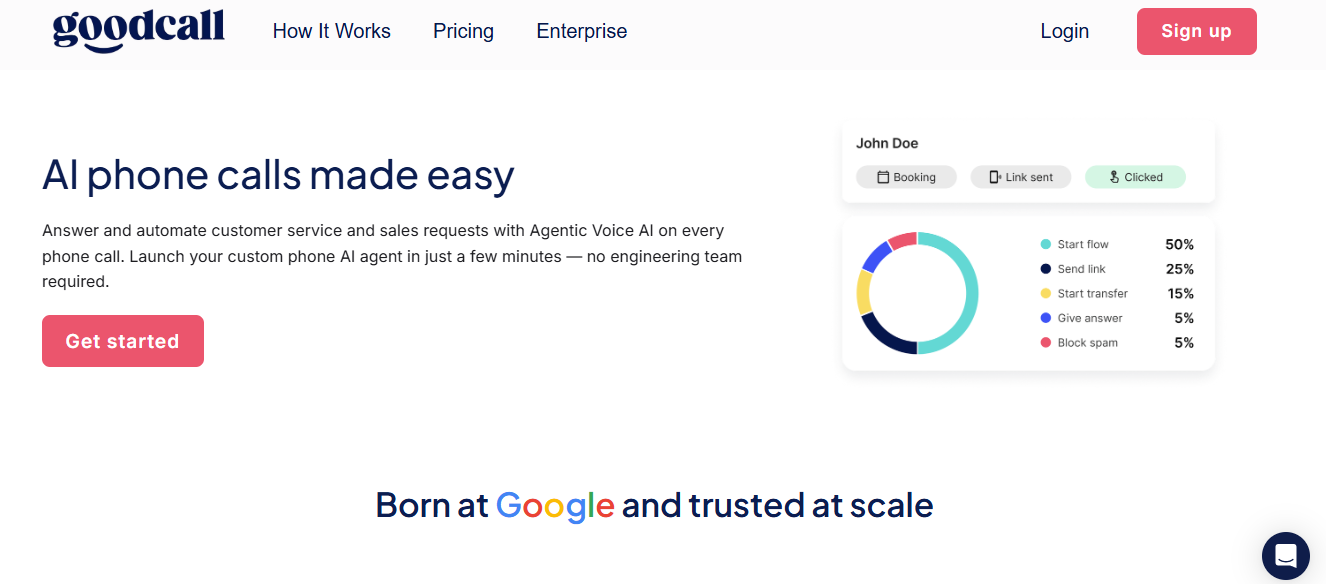
Goodcall is the only platform on this list that solves the channel most scheduling software ignores entirely: the phone. When a patient calls instead of booking online, after hours, during lunch, or when the front desk is on another line, Goodcall's AI phone agent answers, books the appointment, and logs the details automatically. Web booking captures patients who go to your website. Goodcall captures everyone else.
Key Features
- AI phone agent: Answers every inbound call 24/7, books appointments, handles reschedules, and cancellations in natural language
- Missed call auto-follow-up: Unanswered calls trigger an instant SMS with a direct booking link, converting lost calls before the patient reaches a competitor
- Automated SMS and email reminders: Configurable intervals per appointment type, reducing no-shows without any staff involvement
- Call analytics and transcription: Every call logged with intent, outcome, and full transcript for quality review
- Zapier integration: Connects to 6,000+ tools, including Google Sheets, CRMs, and calendar platforms
- HIPAA-compliant data handling: BAA available, all patient data encrypted at rest and in transit
Pros
- Only AI phone scheduler on this list: captures 30–40% of calls that go to voicemail on a standard front desk
- Fastest setup of any tool reviewed: live in minutes, no implementation fee, no IT involvement required
- Lowest starting price: $79/month covers unlimited minutes and calls; no per-call or per-minute billing
- 14-day free trial, no contract: test it during real call volume before committing
Cons
- Not a full scheduling platform: pair with a web booking tool or PMS for complete coverage across all booking channels
- Limited native PMS integrations: connects via Zapier rather than direct bidirectional PMS sync; deep DMS connectivity requires workarounds
- Voice-first design: patients who specifically prefer app or website booking will still need a separate web booking widget
Best For: Dental clinics losing bookings to missed after-hours calls, lunch-hour overflow, or voicemail. Pairs with any web booking tool to cover every channel a patient might use.
Pricing: Starter at $79/month ($66 billed annually), Growth at $129/month ($108 annually), Scale at $249/month ($208 annually). All plans include unlimited minutes. 14-day free trial, no contract. See Goodcall pricing for updated pricing.
2. NexHealth: Best for Growing Practices and DSOs
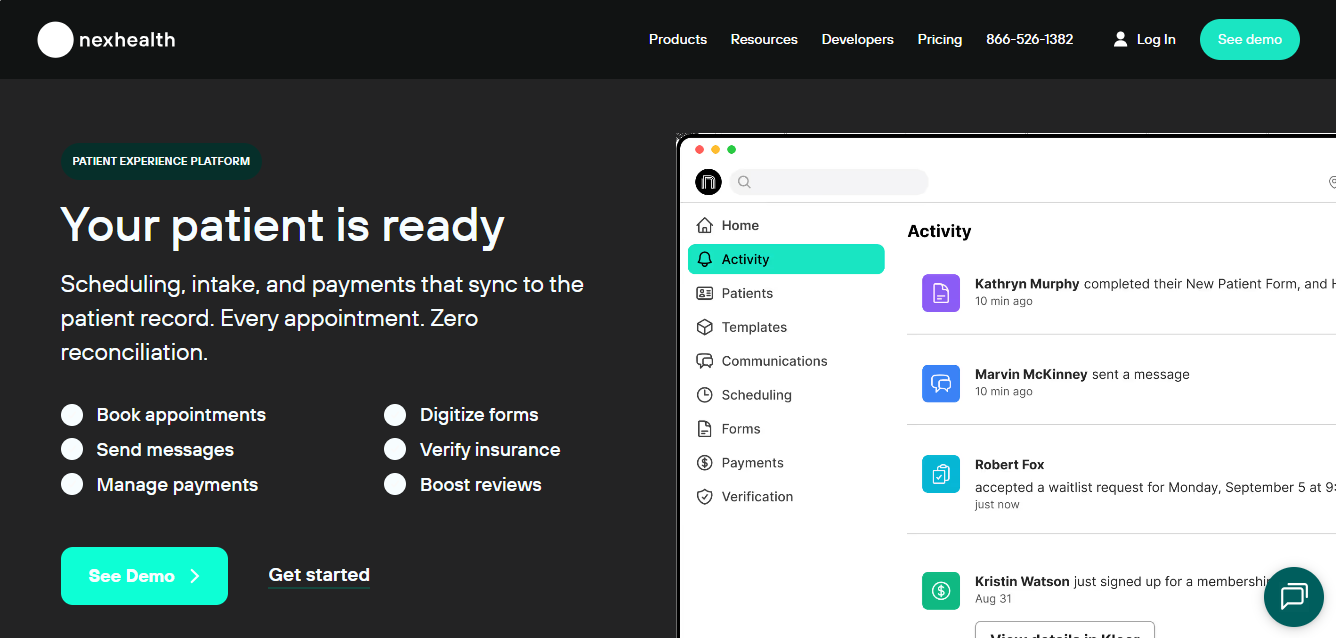
Founded in 2017, NexHealth combines scheduling, digital forms, patient payments, two-way texting, and reputation management in one platform, syncing with 35+ PMS systems in under 30 seconds. It is the closest thing to a complete front-office automation suite on this list.
Key Features
- Real-time online booking with Reserve with Google: patients book directly from Search and Maps without visiting your website
- Waitlist auto-fill: cancellations automatically trigger notifications to waitlisted patients, recovering slots before they sit empty
- Digital forms that write back to PMS: intake, consent, and health history completed before arrival and synced automatically
- Automated insurance verification: eligibility checked at booking, reducing front-desk calls on the day of appointment
- Unified two-way patient inbox: SMS and email communication logged in one thread per patient
Pros
- Deepest PMS integration library on this list: verified bidirectional sync with 35+ systems
- SOC 2 Type II certified: strongest security posture of any standalone scheduling tool reviewed
- Waitlist actually recovers revenue: auto-fill converts cancellations into filled slots without any staff action
Cons
- $299/month minimum: steep entry price for solo practitioners or low-volume practices
- Complex PMS setups take 3–4 weeks: not the fastest tool to go live with
- Weaker Curve Dental integration: form write-back has known limitations with Curve compared to other PMS platforms
Best For: Mid-to-large practices and DSOs that want scheduling, forms, texting, and payments unified in one platform.
Pricing: From $299/month. Multiple tiers. Month-to-month. DSO pricing is custom. Implementation included.
3. LocalMed: Best for Real-Time Schedule Accuracy
Founded in 2012, LocalMed pioneered real-time PMS integration for dental. Its patented technology reads and writes directly to your calendar, not a shadow copy , making it the most reliable double-booking prevention tool on this list. If schedule accuracy is your core problem, LocalMed is built for exactly that.
Key Features
- Patented bidirectional sync with 25+ PMS platforms: reads and writes to your live calendar, not a mirrored copy
- Scheduling rules mirror office preferences exactly: procedure durations, provider preferences, and operatory constraints are enforced automatically
- Mobile-responsive booking widgets: embed on your website, Google Business Profile, and social pages
- Zocdoc and 1-800-DENTIST directory listings: additional new-patient discovery channels included
- Booking conversion analytics: tracks where bookings originate and where patients drop off
Pros
- Most reliable real-time PMS sync on this list: patented double-booking prevention is its core differentiator
- Directory placements drive new-patient discovery: Zocdoc and 1-800-DENTIST integrations are included, not add-ons
- Flat monthly rate: no per-booking fees or usage-based billing
Cons
- No communication features: requires a separate reminder tool; does not send SMS, email, or voice reminders natively
- $500 one-time setup fee: adds to the first-year cost compared to platforms with included implementation
- Scheduling-only scope: practices wanting forms, payments, or reputation management need additional tools
Best For: Practices already using a separate texting or reminder tool that need bulletproof scheduling accuracy and zero double-bookings.
Pricing: Standard at $299/month, Premium at $399/month. One-time $500 setup fee. Enterprise pricing available for 5+ locations.
4. Dentrix Ascend: Best All-in-One Cloud PMS
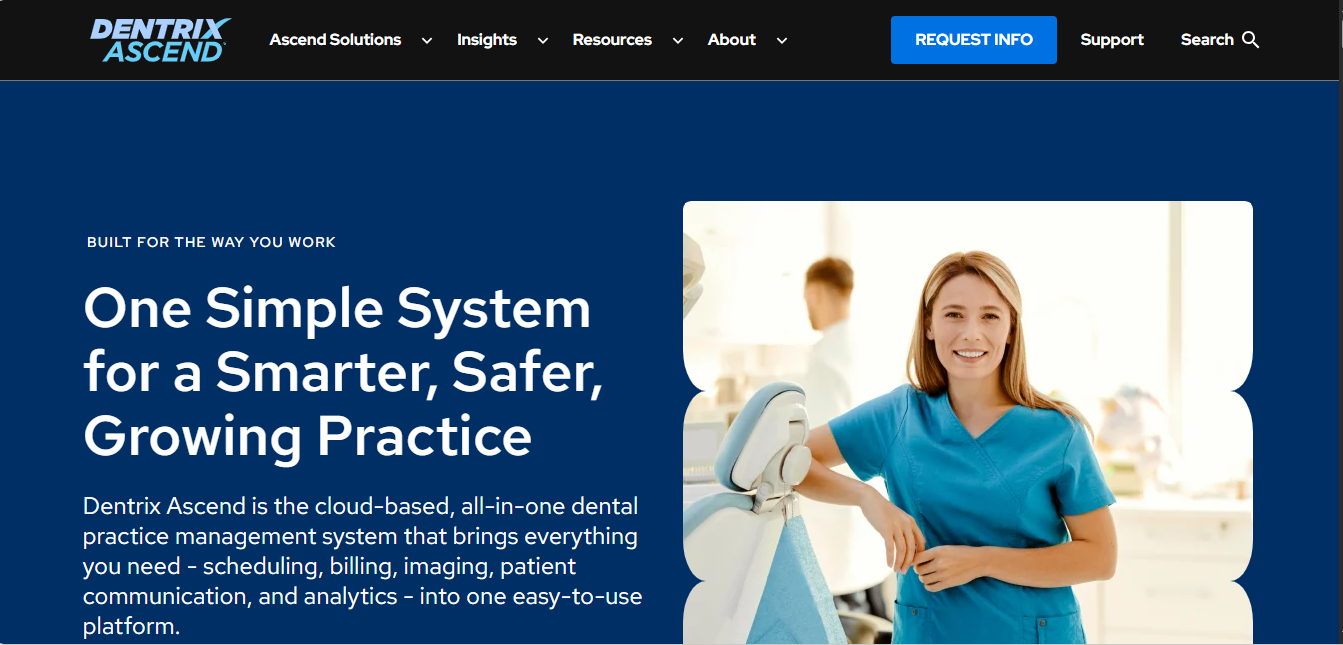
A Henry Schein product powering 35,000+ dental practices in North America, Dentrix Ascend is the cloud version of the industry's most widely installed PMS. Scheduling, charting, billing, imaging, and insurance claims all run in one suite. If you want a single-vendor ecosystem and are prepared to invest in training, Ascend is the most comprehensive option on this list.
Key Features
- Drag-and-drop color-coded scheduling calendar: visual operatory and provider management with real-time availability
- Automated provider and operatory assignment: scheduling rules enforce the right room and provider for each procedure type automatically
- Multi-channel reminders and patient portal: SMS, email, and online patient self-scheduling are all built in
- Waitlist management: cancellation backfill notifications sent automatically
- Full charting, imaging, billing, and claims: the complete clinical and administrative workflow in one platform
Pros
- Most comprehensive dental PMS ecosystem available: no other platform on this list covers the full clinical and administrative workflow
- Massive integration library: 35,000+ practices, which means the widest range of third-party tool compatibility
- Single-vendor accountability: one support contact for scheduling, billing, imaging, and clinical issues
Cons
- Highest total cost of ownership: $300–$500/month per provider plus $1,500–$5,000 implementation, which means a significant upfront investment
- Steep learning curve: feature depth requires dedicated training; staff onboarding takes longer than standalone scheduling tools
- Cloud version is still maturing: some features available in the on-premise version are not yet in Ascend
Best For: Practices wanting a single-vendor ecosystem covering every clinical and administrative function, and prepared to invest in training to get full value from it.
Pricing: Ascend (cloud): $300–$500/month per provider. Implementation: $1,500–$5,000. Module add-ons: $29–$199/month. On-premise (Core): $3,000–$5,000 one-time plus ongoing support.
5. Solutionreach: Best for Patient Recall and Reactivation
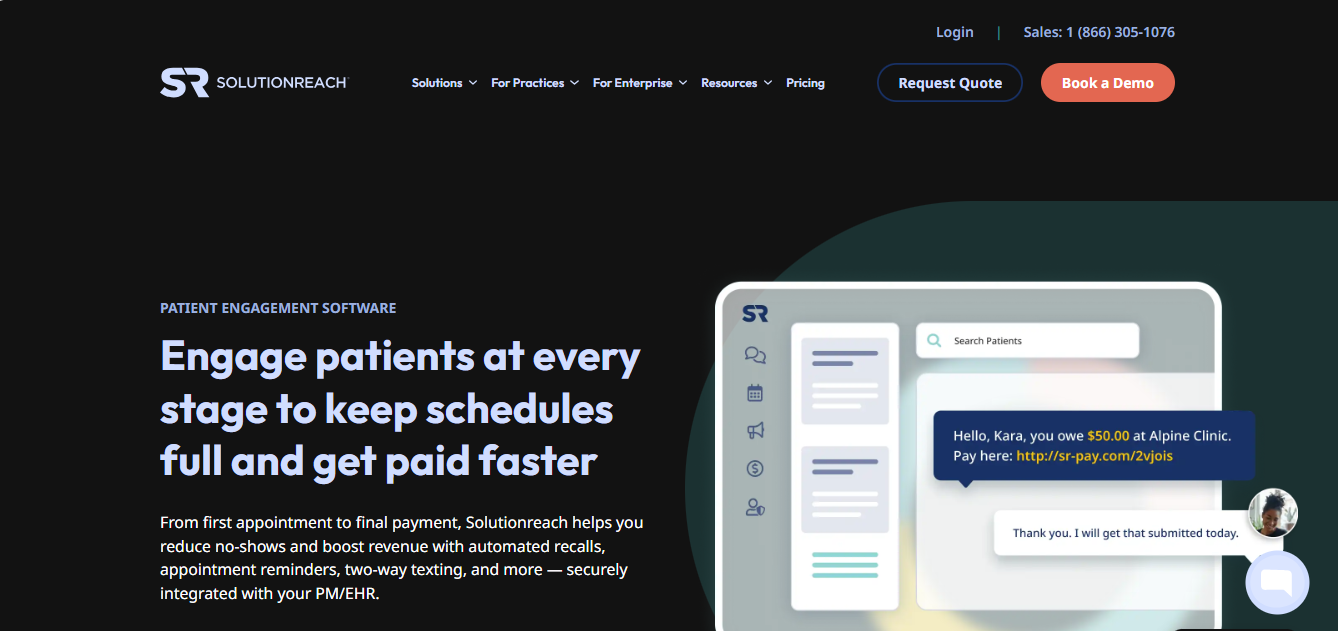
Founded in 2000, Solutionreach is the longest-running dental patient communication platform. Its core strength is not just booking new appointments; it is the full patient lifecycle from first booking through recall, reactivation, and reputation management. Established practices with large patient databases get the most from it.
Key Features
- Online scheduling with provider selection: patients choose their preferred dentist or hygienist at booking
- Escalating reminder sequence: email, then text, then automated phone call, with configurable timing for each step
- Two-way HIPAA-compliant texting: patient replies go directly to the front desk inbox, not into a black hole
- Automated recall campaigns: patients due for hygiene, X-rays, or follow-up appointments are contacted automatically
- Reputation management: automated review requests sent after completed appointments, tied to Google and major directories
Pros
- Best-in-class recall and reactivation: no other tool on this list matches the depth of automated patient lifecycle management
- 25+ years of dental-specific development: the most battle-tested platform for patient communication on this list
- Strong two-way texting with practice-wide inbox: all patient communication visible to the whole front desk team
Cons
- Interface feels dated: the UI reflects its age compared to newer platforms like NexHealth
- Pricing has increased significantly: multiple verified reviews note unexpected fee increases at renewal
- Implementation fee: adds to the first-year cost $500–$1,000 onboarding cost on top of the monthly subscription
Best For: Established practices with large patient databases focused on reducing inactive patient rate and maximizing recall compliance.
Pricing: Essential at $299/month, Professional at $399/month, Complete at $499/month. Implementation: $500–$1,000. Check Solutionreach pricing directly for current rates.
6. Curve Dental: Best Cloud-Native PMS
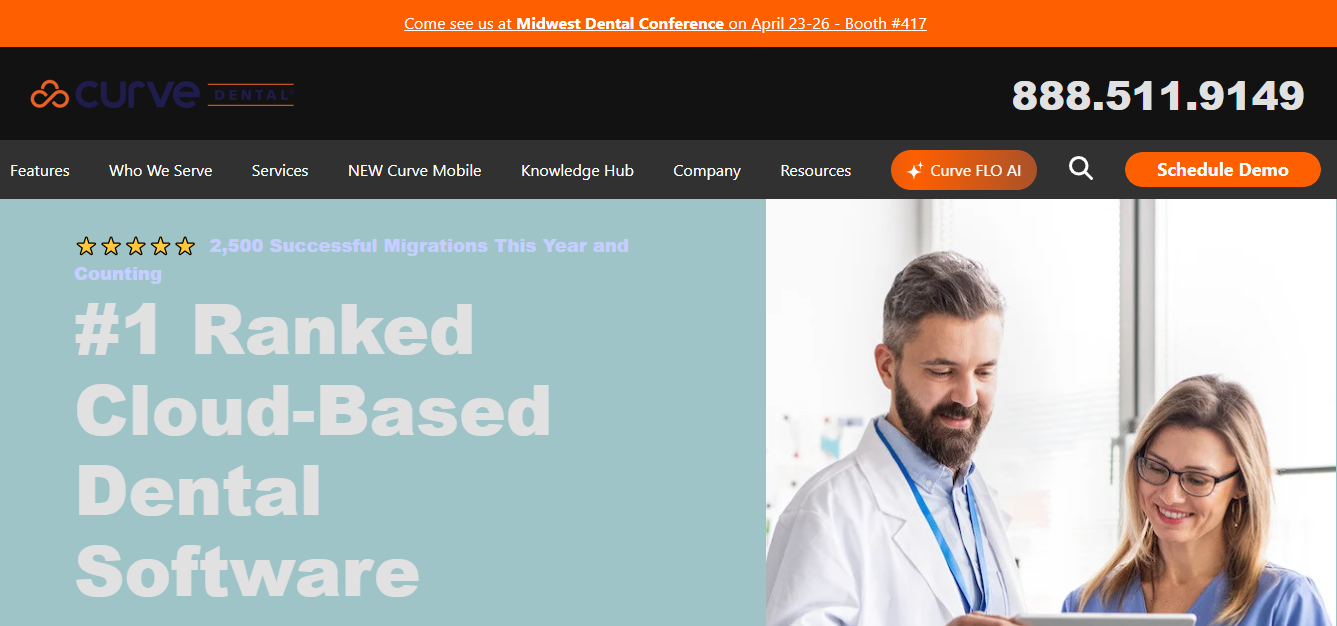
Founded in 2005, Curve Dental is a true cloud-native PMS, with no servers, no IT overhead, and no version updates to schedule. Scheduling, charting, billing, and imaging all run in the browser. For practices moving off a server-based system, Curve eliminates the on-site infrastructure.
Key Features
- Drag-and-drop color-coded scheduling: visual calendar with real-time operatory and provider availability
- Online booking via patient portal: self-scheduling accessible from any device
- Multi-channel automated reminders: SMS and email notifications with confirm and reschedule links
- Multi-location with unified database: all locations share one patient record, no duplicate chart management
- Zero-downtime automatic updates: software improvements deploy in the background without scheduling maintenance windows
Pros
- True cloud-native architecture: zero on-site servers, zero IT dependency, accessible from any browser on any device
- Strong uptime track record: cloud infrastructure provides higher reliability than most on-premise installations
- Automatic updates with no downtime: practices always run the latest version without scheduling maintenance windows
Cons
- Per-provider pricing gets expensive fast: a 5-provider practice pays $2,250+/month before imaging add-ons
- Imaging is a separate surcharge: +$150/month per provider for radiographs, which adds significantly to multi-provider practices
- Implementation cost is high: $3,000–$5,000 upfront before the first monthly bill
Best For: Practices migrating from server-based systems like Dentrix or Eaglesoft that want a fully cloud-native PMS without on-site infrastructure.
Pricing: Essentials at $450/month per provider, Complete at $550/month per provider, Imaging add-on at +$150/month per provider. Implementation: $3,000–$5,000. Volume discounts at 5+ providers. Verify current rates at curvedental.com.
How the Right Scheduling Software Helps You Get More Patients
Dental scheduling software does not just reduce administrative work; it actively closes the gaps where new patients are currently going to competitors. Here is where the revenue impact is measurable:
- Captures after-hours demand: nearly three-quarters of online bookings happen outside office hours. Practices without 24/7 booking lose those patients to the next clinic that answers.
- Reduces no-shows by 22–40%: multi-channel reminders (SMS + email + voice) with waitlist backfill push no-show rates below 5%, down from the industry average of 10–15%.
- Shortens response time to zero: AI phone agents and missed-call SMS automation respond instantly; the fastest responder wins the booking in high-competition markets.
- Reserve with Google converts search intent directly: patients book from the SERP without ever visiting your website, capturing demand at its highest point.
- Improves reviews and local ranking: automated post-appointment review requests lift Google ratings, which drives more organic new-patient discovery.
Practices using automated scheduling typically see measurable new-patient acquisition improvements within 60–90 days, not from additional marketing spend, but from stopping the leaks that were already there.
How to Choose the Right Software for Your Dental Practice
Picking the right dental scheduling software comes down to three things: your PMS, your practice size, and the specific problem that is costing you the most right now.
Step 1: Confirm PMS Compatibility
Verify integration with your exact PMS version, not just the platform name. Request a live sync demo where you watch a test booking appear in your actual PMS calendar in real time. No verified sync, no shortlist.
Step 2: Identify Your Core Problem
Are you losing patients to missed calls (Goodcall)? To double-bookings (LocalMed)? To low recall compliance (Solutionreach)? To a paper-heavy front desk (Yapi)? The right tool depends entirely on where your schedule is breaking down.
Step 3: Match to Your Practice Size
Step 4: Use This Vendor Checklist
Ask every vendor during demos:
- PMS Integration: Real-time bidirectional sync? How long does a test booking take to appear in the PMS?
- HIPAA: SOC 2 Type II? BAA available? Encryption at rest and in transit? RBAC and 2FA?
- Pricing: Per-provider, per-location, or flat rate? Any hidden setup or add-on fees?
- No-Show Prevention: SMS + email + voice? Waitlist auto-backfill?
- Scalability: Multi-location support? Centralized reporting? Enterprise pricing available?
- Support: What support hours are available? What is the average response time?
Step 5: Run a Structured Evaluation
- Demo with your front desk staff present: they will identify workflow problems the sales team glosses over
- Request 2–3 references from practices of your size: ask specifically about PMS sync reliability and support response time
- Run the free trial during peak volume: test the system when it matters most, not during a quiet week
- Calculate 24-month total cost: monthly fees + setup + add-ons + extra locations; a $199/month tool can cost $5,000 in year one with setup fees
- Request BAA and SOC 2 documentation: in writing, before signing, not after go-live
Final Verdict
The right dental appointment scheduling software is the one that fits your workflow and your team's habits, not the one with the longest feature list. Feature count does not matter; team adoption does.
For most practices, the decision comes down to two questions: Are you losing bookings to missed phone calls (Goodcall) or to a broken online booking and PMS sync (LocalMed, NexHealth)? Answer that, involve your front desk in the evaluation, and use the 14–30 day trial to test under real conditions.
Done right, the right scheduling software reduces no-shows, captures after-hours demand, and frees your front desk to focus on patient experience instead of calendar management, visible within 90 days.
Start with Goodcall's 14-day free trial at goodcall.com/pricing to see how AI phone automation fills the gap web booking leaves open.