Steps
How it works, step by step
We've streamlined the process so you can launch a fully capable AI phone agent in minutes, not months.
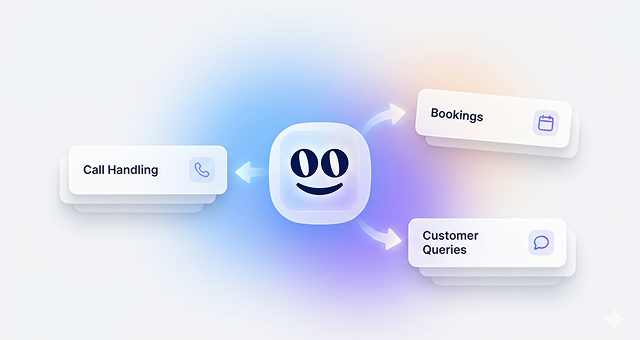
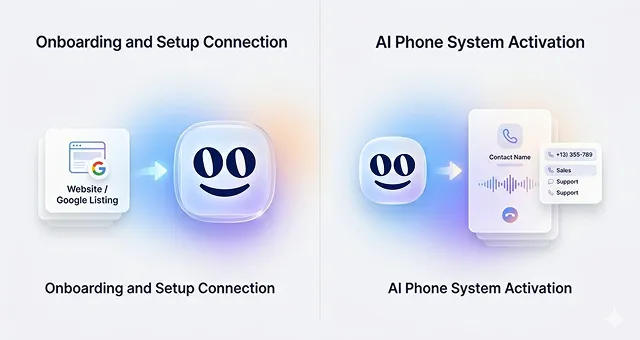
Connect Your Business
Link your CRM, calendar, and knowledge base in seconds. Your AI instantly absorbs your business context to provide accurate, personalized answers.
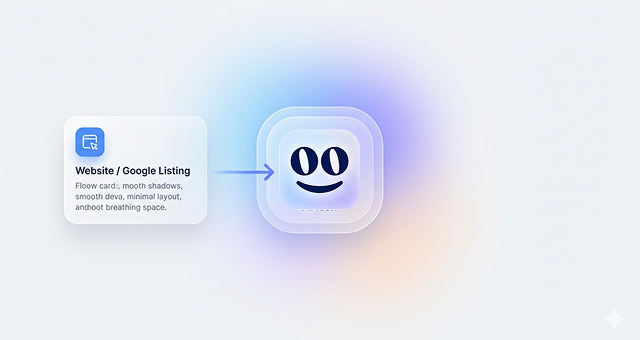
Define AI Skills
Equip your agent with specific capabilities. Tell it how to schedule appointments, answer FAQs, route complex support tickets, or capture new leads.
Set Conversation Logic
Design the perfect call flow. Create smart routing rules, set up fallback options, and ensure every customer interaction feels natural and helpful.

Choose Your Phone Setup
Get a brand new AI-powered phone number instantly, or keep your existing business line and simply forward calls to your new agent.
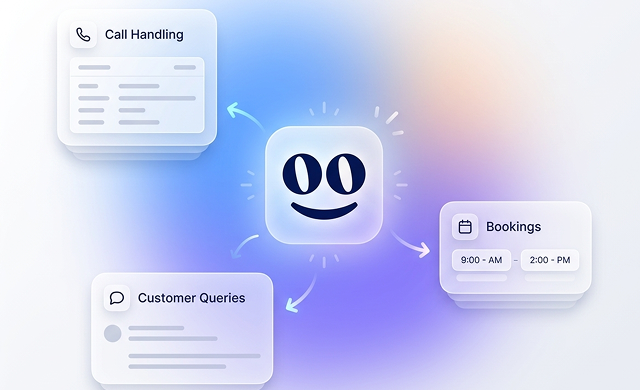
Go Live & Automate
Your AI is ready. It answers instantly 24/7, captures leads, books appointments, and learns from every interaction to continuously improve.
Launch in minutes
Connect your tools and data, and get your AI agent live instantly. No setup complexity, no dependencies — just results.
Built for your workflows
Define how your agent behaves with custom skills. Handle bookings, support, and requests exactly the way your business operates.
Smart convo, every time
Use logic and customer data to guide every interaction — personalized, accurate, and seamless from start to finish.
FAQ
Frequently
asked questions
A Goodcall number is a unique phone number assigned to each agent, connecting your AI to customers. You can choose a local area code to maintain your brand identity. This number works alongside your existing business line, allowing call transfers to your staff or giving them a chance to answer before the AI. For quick deployment, use your Goodcall number on your website, Google Maps, and social profiles to start automating customer interactions.
If your current number is essential to your brand, you can set up conditional call forwarding through your phone provider. This allows calls to your existing number to be forwarded to your Goodcall number when the line is busy or unanswered. For best results, we recommend using "conditional call forwarding". For more info, Learn to set up forwarding.
Out of the box, your agent is programmed as your "first-line" of support, answering every call as soon as it rings and only escalating to you and your staff when it runs into a task it can't handle on its own. However, this is fully customizable. Many businesses find success using the agent for "overflow" support, meaning the agent only answers when the line is busy, or staff cannot pick up. You can control how many times your business line will ring before your agent picks up in the "human answer window" of your greeting.
Using Goodcall's Zapier integration, you can connect your Goodcall to 10,000+ existing tools to power integrated end-to-end automation. Popular use cases are: adding leads to your CRM, creating appointment requests on your calendar, pinging a support team inside of Slack or Mirosoft teams when a ticket comes in, and much much more. For more info, learn how to connect Zapier.
Born out of Google in 2017, Goodcall has been perfecting conversational AI for years. We know how much work it takes to go from proof of concept to scaled solution, and have built quality into our workflows from day one. With a combination of human review and automated checks, every call undergoes review to ensure consistent quality and performance.
As consumer expectations for AI grow, so does their willingness to engage with systems they perceive as "smart." Goodcall’s human-like voices and fast response times make outdated phone trees a thing of the past, and callers react accordingly. In tests with optimized greetings—where agents greet return callers by name—interaction rates have reached as high as 97%. Remember, it's always important to disclose to customers that they are speaking with an AI. For more info, learn to optimize your greeting.
Yes! You have full control over everything your agent says, from the greeting when a call is answered to the goodbye when assistance is no longer needed—and everything in between. Agent "skills" and “flows” can be customized to handle any caller question or request, giving you complete control over how your agent interacts throughout the entire conversation.
For complex queries, it’s often easier for a person to take over. That’s why we’ve built a customizable "operator" workflow that guides the agent on what to do when it can’t fulfill a request. By default, your agent will transfer the call to your business line, but you can customize this to transfer to a specific person, department, take a message, send a self-service link, or schedule a callback.
Goodcall agents are designed to avoid handling tasks they aren’t equipped for, and you’ll be notified whenever your agent encounters an unfamiliar request. From there, you can create a new workflow to automate it in the future.