

Best Tools Flooring Appointment Scheduling Software

The best flooring appointment scheduling software includes platforms like FloorZap, Goodcall, Housecall Pro and Builder Prime. Each one solves a different piece of the same problem: keeping measured visits, crew schedules, and client bookings from colliding.
Flooring projects run in sequence. A delayed site visit pushes the material order, which pushes the install date, which frustrates the client. Good flooring scheduling software catches those gaps early, so your team stays on track instead of playing catch-up.
What Is Flooring Appointment Scheduling Software and How Does It Work?
Flooring appointment scheduling software is a trade-specific booking and job management tool built for the operational demands of flooring businesses. It replaces scattered texts, whiteboards, and spreadsheets with a single system that keeps your office staff and field crews working from the same information in real time.
- Centralized Scheduling: A drag-and-drop calendar lets managers check availability, assign jobs by skill and location, and push real-time updates that prevent field conflicts.
- Automated Client Communication: Once a booking is confirmed, your flooring scheduling software sends text and email reminders at preset intervals with no manual follow-up required.
- Mobile Crew Access: Installers view assigned jobs, client notes, and site details through a mobile app. Office updates reflect on their end instantly.
- Job Site Documentation: Crews submit photos, notes, and status updates from the field. Everything syncs to the office dashboard the moment it's sent.
- Inbound Call Handling: An AI phone assistant answers booking calls, collects job details, and pushes appointments directly into your flooring appointment scheduling software without manual entry.
- Business Tool Integration: When a job closes, the software generates an invoice through your accounting tool and updates the customer record in your CRM automatically.
Why Flooring Appointment Scheduling Software Is Essential for Flooring Businesses
Flooring customers rarely call just one company. They contact several at the same time, and whoever responds first usually gets the job. When your crew is mid-installation and can't pick up, flooring appointment scheduling software keeps your pipeline moving without requiring someone to be at a desk.
- Missed Calls Mean Lost Jobs: Your installer can't answer the phone mid-installation. That caller moves on, and the company that picks up books the consultation you never knew you lost.
- Scheduling Conflicts Waste Time: Two appointments get booked for the same installer on the same morning. One customer waits two hours for someone stuck across town.
- Missed Updates Cost of Labor: A missed reschedule text sends the crew 40 minutes to a site that moved to next week. Half a day of labor, zero output.
- Delivery Gaps Stall Installations: LVP gets backordered, and no one updates the calendar. Your installer shows up on Tuesday, materials arrive Friday, and you're rescheduling a customer who already took the day off.
- After-Hours Calls go to Competitors: A homeowner wants quotes at 9 PM Sunday. Three companies go to voicemail. The one with AI-powered call handling through flooring business automation software books the consultation that night.
Best Flooring Appointment Scheduling Software: Top Tools Compared
1. Goodcall
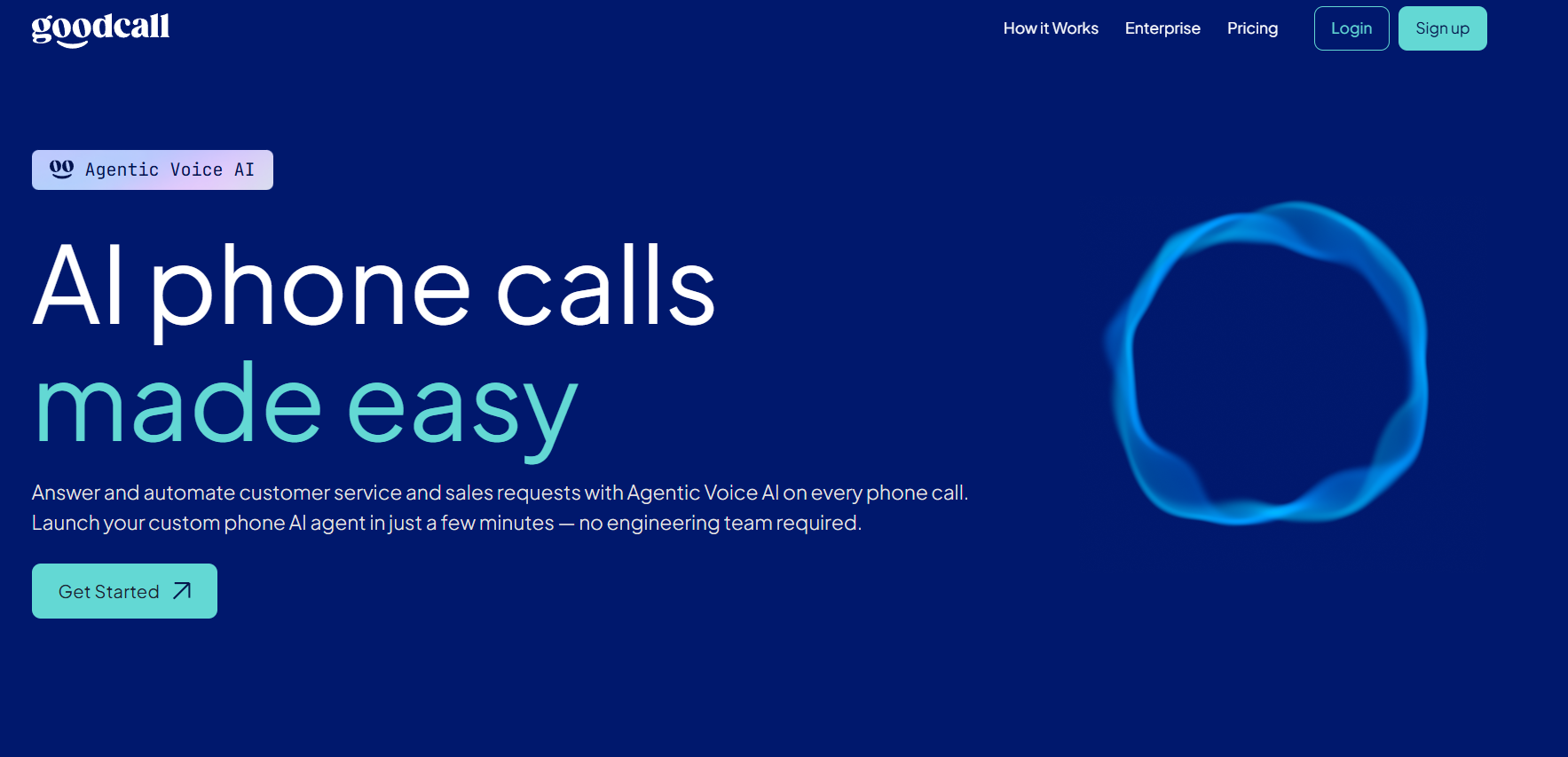
Goodcall is an AI voice automation platform that handles inbound calls for service businesses, including flooring companies. It was built specifically for the problem most scheduling tools ignore: the phone rings, no one answers, and the job goes to a competitor. Goodcall sits at the intersection of phone answering and appointment booking, turning missed calls into confirmed jobs through natural-sounding AI conversations.
Key Features:
- AI phone agent answers inbound calls and books appointments without staff involvement
- Operates 24/7, including evenings, weekends, and peak installation hours
- Custom AI personas to match your brand's voice and tone
- Automated SMS link sharing sends customers your booking page mid-call
- Business-hours-aware greetings adjust messaging based on when customers call
- Intelligent call routing escalates complex requests to the right team member
- Analytics dashboard tracks call volume, booking rate, and caller intent
- No-code setup; go live in minutes without an IT team
Integrations:
- HubSpot and Salesforce for CRM sync
- Google Calendar for scheduling coordination
- Microsoft Teams and Genesys for contact center workflows
- Zapier for third-party tool connections
Pricing:
- 14-day free trial, no credit card required
- Starter Plan: $79/month (15% off, if billed annually)
- Growth Plan: $129/month (15% off, if billed annually)
- Scale: $249/month (15% off, if billed annually)
- Billed by unique customers served, not call minutes or volume
Pros:
- Captures bookings from calls that would otherwise go unanswered
- No per-call or per-minute fees; costs scale with actual business activity
- AI agents improve accuracy over time through call recordings
- No engineering resources needed to set up or maintain
Cons:
- Not a project management or estimating tool; job costing requires a separate platform
- Focused on the phone channel; works best alongside a field service tool
Best For: Goodcall is the right fit for flooring businesses losing jobs to missed calls during installations or off-hours. It fills the front-desk gap without adding headcount.
2. FloorZap
FloorZap is a cloud-based business management platform built exclusively for flooring and remodeling companies. Every module reflects how flooring businesses actually operate, making it one of the few platforms where the terminology, calculations, and workflows feel native to the trade rather than adapted from a generic construction tool.
Key Features:
- Dedicated scheduling pages for contractor assignment and job timeline tracking
- Quotes generated in under two minutes with automatic box-quantity rounding
- Digital contracts sent via SMS or email for customer approval
- Real-time inventory tracking linked to active job assignments
- Auto-generated work orders from approved quotes
Integrations:
- QuickBooks for accounting sync
- MeasureSquare for measurement and takeoff data
- Google Reviews for reputation management
- SMS for customer and contractor communication
Pricing:
- Starts at $399/month
- Custom pricing for larger teams
Pros:
- Purpose-built for flooring; no reconfiguration needed
- Handles flooring-specific quoting variables out of the box
Cons:
- No AI phone agent for inbound call handling or after-hours booking
- Higher starting price than general-purpose platforms
- Limited integrations outside the flooring and construction ecosystem
Best For: FloorZap works best for flooring retailers and contractors who want their quoting, scheduling, and job management in a system built around flooring workflows from day one.
3. Housecall Pro

Housecall Pro is a field service management platform designed for home service professionals, with a dedicated offering for flooring businesses. It brings scheduling, dispatching, invoicing, and payment collection into one mobile-first interface used by contractors in the field and office staff at the desk.
Key Features:
- Drag-and-drop scheduling calendar with color-coded assignments and multi-crew support
- Online booking portal synced automatically with your team's calendar
- Automated appointment reminders via text and email
- One-click digital invoicing with automated follow-up reminders
- Sales proposal tool for presenting tiered flooring options and closing jobs
Integrations:
- QuickBooks Online and Desktop
- Google Calendar
- Gusto for payroll
- CompanyCam for job site photo documentation
- Zapier for custom workflow automation
Pricing:
- Basic: $79/month per user
- Essentials: $189/month per user
- MAX: $329/month per user
- Additional users on MAX: $35/user/month
Pros:
- Intuitive interface with a short learning curve for field teams
- Strong mobile app for on-site job management and payment collection
Cons:
- Sales Proposal Tool locked to the MAX plan
- No AI call answering for after-hours or missed call capture
- Route optimization and GPS tracking require higher-tier plans or add-ons
- Real costs often exceed the advertised price once add-ons are included
Best For: Housecall Pro suits small to mid-sized flooring companies that want reliable scheduling and billing in one platform without a lengthy implementation process.
4. Builder Prime
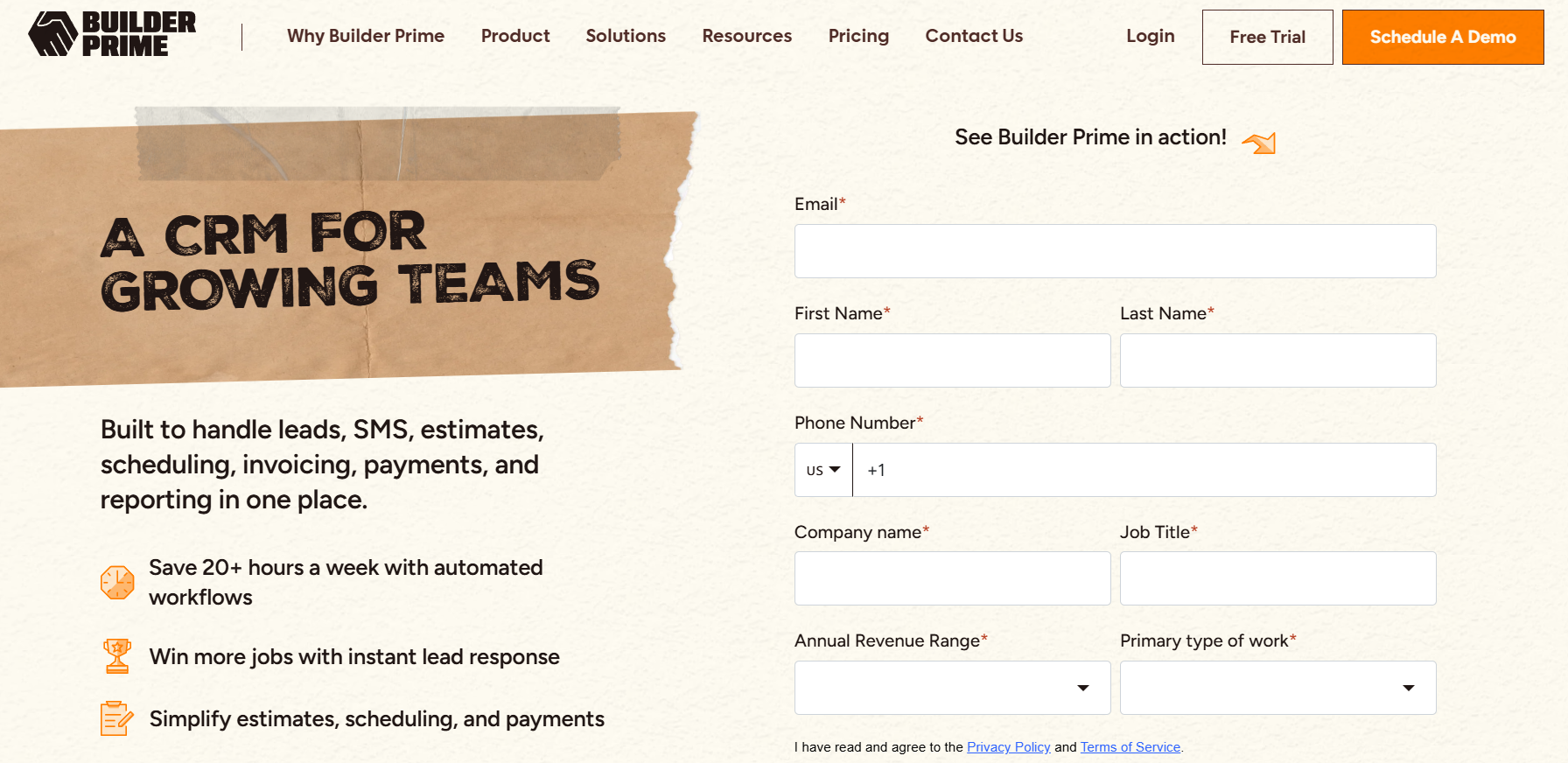
Builder Prime is a CRM and project management platform built for home improvement contractors, including flooring businesses with active sales teams. It was designed to connect the front-end sales process, from lead capture to signed estimate, with the back-end production workflow, from installation scheduling to final payment.
Key Features:
- CRM pipeline tracks leads by source, status, and close rate with automated follow-up
- Built-in SMS marketing automation for targeted customer messaging
- Digital estimates with remote or on-site e-signature support
- Production scheduling for keeping installation timelines on track
- Centralized conversations dashboard for all customer communications
- Reporting on close rates, lead sources, outstanding payments, and rep performance
Integrations:
- QuickBooks Online for accounting sync
- CompanyCam for job site photography
- Google Calendar and Gmail
- RingCentral for call and text management
- Zapier for automation
Pricing:
- Custom pricing available
Pros:
- CRM and production management in one platform
- All integrations are included at no added cost
Cons:
- The mobile app is significantly less functional than the desktop version
- No AI-powered call handling for inbound inquiries
- Price book setup requires considerable upfront configuration time
- Expense tracking and financial reporting can be inconsistent
Best For: Builder Prime fits flooring contractors running a sales team alongside an installation crew who need lead tracking, close rate visibility, and follow-up automation in the same system managing their production schedule.
5. Jobber
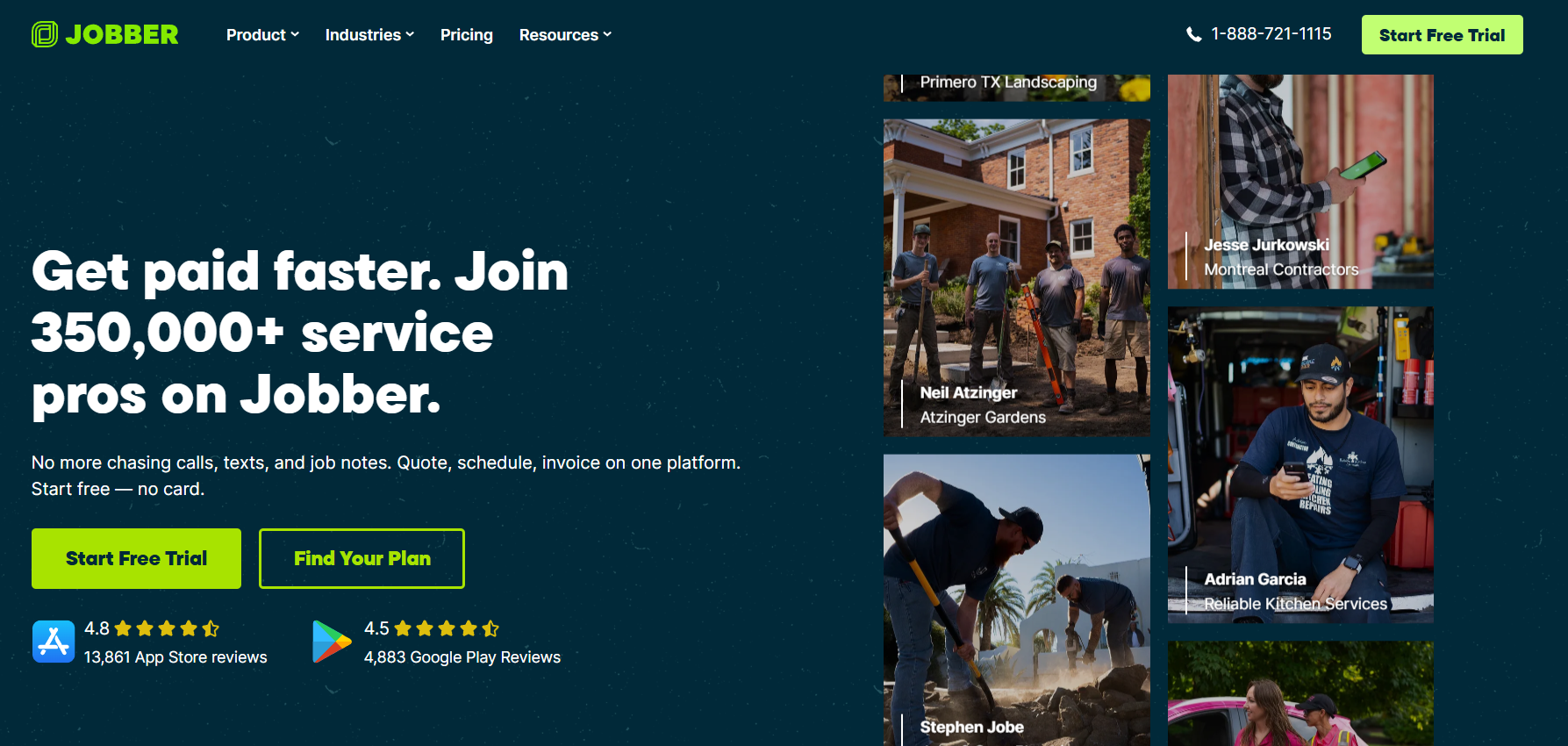
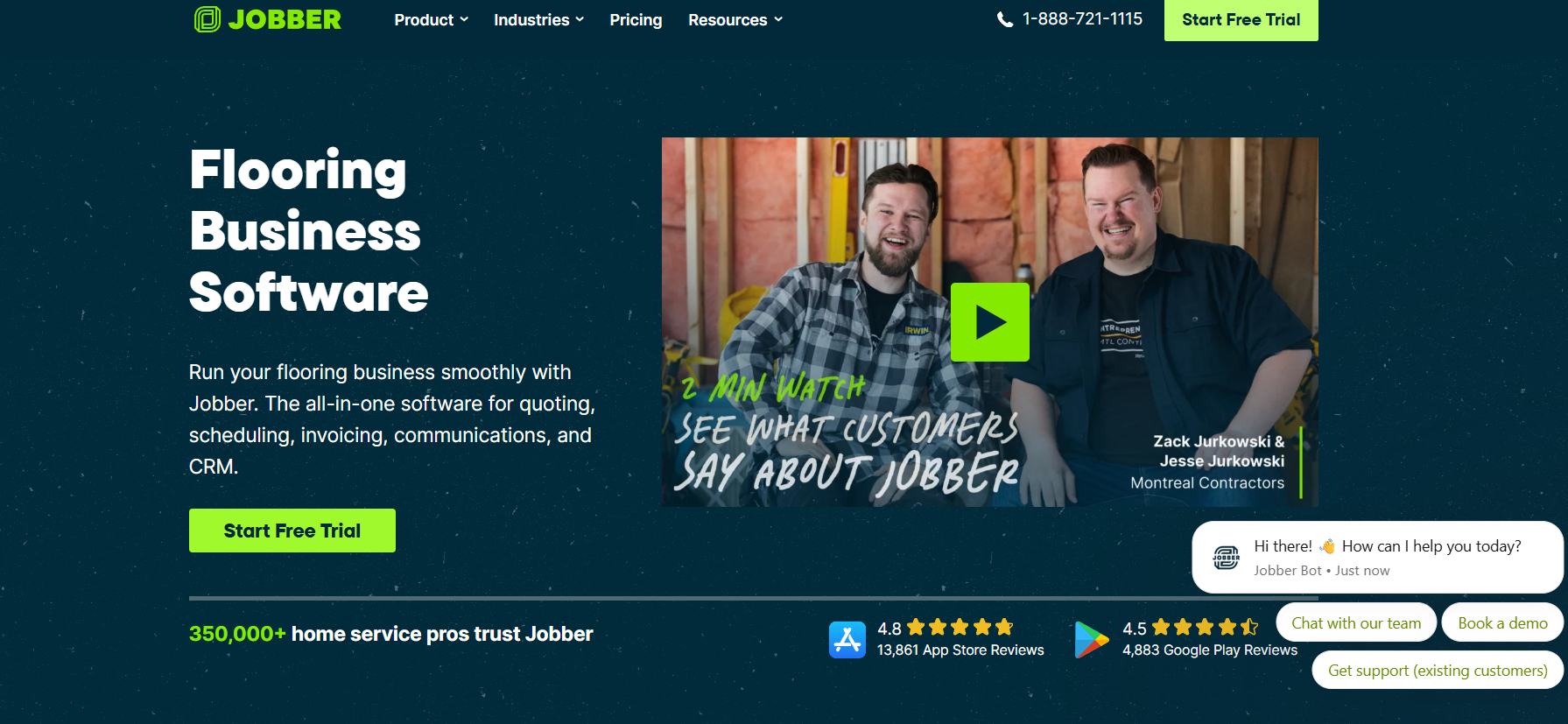
Jobber is a field service management platform designed for small to mid-sized home service businesses, with direct support for flooring contractors. It simplifies day-to-day operations by keeping quoting, scheduling, client communication, and invoicing in one connected workflow that field teams can manage from a phone or tablet on the job site.
Key Features:
- Visual scheduling calendar with drag-and-drop assignment and color coding
- Client portal for quote approval, payments, and job status updates
- Batch invoicing for sending multiple invoices at job completion
- Time tracking for field crews linked to job records and billing
- Automated post-job follow-up messages for review collection
- Online booking widget for 24/7 customer appointment requests via your website
Integrations:
- QuickBooks Online for accounting
- Stripe for online payments
- Mailchimp for email marketing
- Google Calendar for scheduling visibility
- Zapier for workflow automation
Pricing:
- Core: $49/month per user
- Connect: $139/month per user
- Grow: $199/month per user
- Team plans are different
Pros:
- Most affordable entry point among full-featured field service platforms
- Minimal training required for office and field staff
Cons:
- No flooring-specific features like material takeoffs or box-quantity rounding
- No AI phone agent for after-hours or missed call capture
- Live GPS tracking requires a higher-tier plan
- Limited scalability beyond 10 to 15 crew members
Best For: Jobber suits small flooring businesses and owner-operators who need scheduling, quoting, and invoicing in one place without paying for enterprise features they won't use.
Key Features to Look for in Flooring Appointment Scheduling Software
The right flooring appointment scheduling software does more than fill calendar slots. It connects your crews, your clients, and your job data into one system that keeps projects moving without constant manual oversight.
Scheduling and Dispatching
- Drag-and-Drop Calendar: Assign installations, measurements, and delivery slots visually without back-and-forth calls or spreadsheet edits.
- Real-Time Crew Availability: See which installers are booked, free, or in the field so double-booking stops being a recurring problem.
- Recurring Job Automation: Set commercial maintenance jobs to recur automatically instead of re-entering them each cycle.
Client Communication and Management
- Automated Appointment Reminders: SMS and email confirmations go out automatically before scheduled visits, cutting no-shows without adding to your front desk's workload.
- Customer-Facing Project Portal: Clients check appointment times and project status on their own, reducing inbound calls without any manual follow-up.
- 24/7 Booking Capability: AI-powered scheduling tools let clients book consultations after hours so you capture leads even when your office is closed.
Project and Inventory Management
- Material Allocation Linking: Jobs connect directly to your inventory, so the right materials are confirmed available before a crew arrives on-site.
- Color-Coded Job Status Tracking: Visual stage labels like "Measure," "Install," and "Final Payment" give your whole team a shared view of where each project stands.
- Detailed Job Logs: Room-specific requirements, subfloor prep notes, and installation specs stay on file for accurate warranties and smoother follow-up visits.
How to Choose the Best Flooring Appointment Scheduling Software
The right flooring appointment scheduling software depends on your crew size, client volume, and how tightly scheduling connects to your quoting and field operations.
- Drag-and-Drop Scheduling: A visual calendar with drag-and-drop crew assignment makes reorganizing jobs faster when priorities change mid-week.
- Automated Customer Notifications: Automatic confirmation texts and appointment reminders directly reduce no-shows without adding to your team's workload.
- Job Photo and Notes Storage: Attaching photos and notes to individual jobs keeps crews aligned and creates a paper trail if disputes arise.
- CRM and Lead Tracking: Since most flooring jobs start with a consultation, your scheduling tool should connect customer records to the booking calendar so leads don't get lost between steps.
- AI-Powered Inbound Call Handling: Missed inbound calls during peak seasons cost you booked jobs. A system that handles appointment requests by phone automatically, after hours included, keeps your pipeline moving without requiring someone at a desk.
Conclusion
The right scheduling software keeps your crews assigned, your clients informed, and your calendar tight. What it cannot do is answer the phone while your installer is knee-deep in a subfloor repair, and that unanswered call is often the job that funds next month's payroll.
Goodcall closes that gap by handling every inbound call your team can't get to, booking the appointment, and syncing it to your calendar automatically. Start your 14-day free trial and find out how many jobs were already waiting for someone to pick up.
FAQs
What is flooring appointment scheduling software?
Flooring appointment scheduling software is a tool that helps flooring businesses manage client bookings, assign crews, and track job timelines without relying on phone tag or manual calendars.
How does scheduling software help flooring contractors?
A scheduling software removes the back-and-forth of booking jobs by letting clients schedule directly, while the software syncs availability and sends automatic reminders. The result is fewer no-shows, less time on admin, and more jobs on the calendar each week.
Can flooring customers book appointments online?
Yes. Usually, flooring scheduling tools like Jobber and Housecall Pro include a self-service booking portal where customers pick a time slot without needing to call in.
Is flooring scheduling software worth the cost?
Yes. The time saved on scheduling calls, combined with fewer no-shows and tighter crew coordination, typically offsets the cost within the first few weeks of use.
Does flooring appointment scheduling software reduce missed calls?
Yes. AI voice automation handles inbound calls around the clock, so inquiries that come in after hours or mid-job still get a response and convert into booked appointments instead of lost leads.
What features should flooring businesses look for?
Online booking, automated reminders, crew scheduling, CRM integration, and after-hours call handling are the essentials. The best flooring appointment scheduling software covers all of these, with AI voice automation increasingly becoming a standard expectation for businesses that can't afford to miss a single inbound call.